Talking and push-to-talk
How to talk, which buttons to use, and the microphone. 11 questions.
- Do I need to do anything for Voxpression to work?No. Hold push-to-talk, say your line and let go. Voxpression opens the chat box, types your message, sends it and closes the box for you.
- How do I talk to the game's chat?Hold your push-to-talk button, say your whole line, and let go. One push is one message.
- How do I change my push-to-talk button?Settings → Push-to-talk, then Change… under Keyboard or Controller.
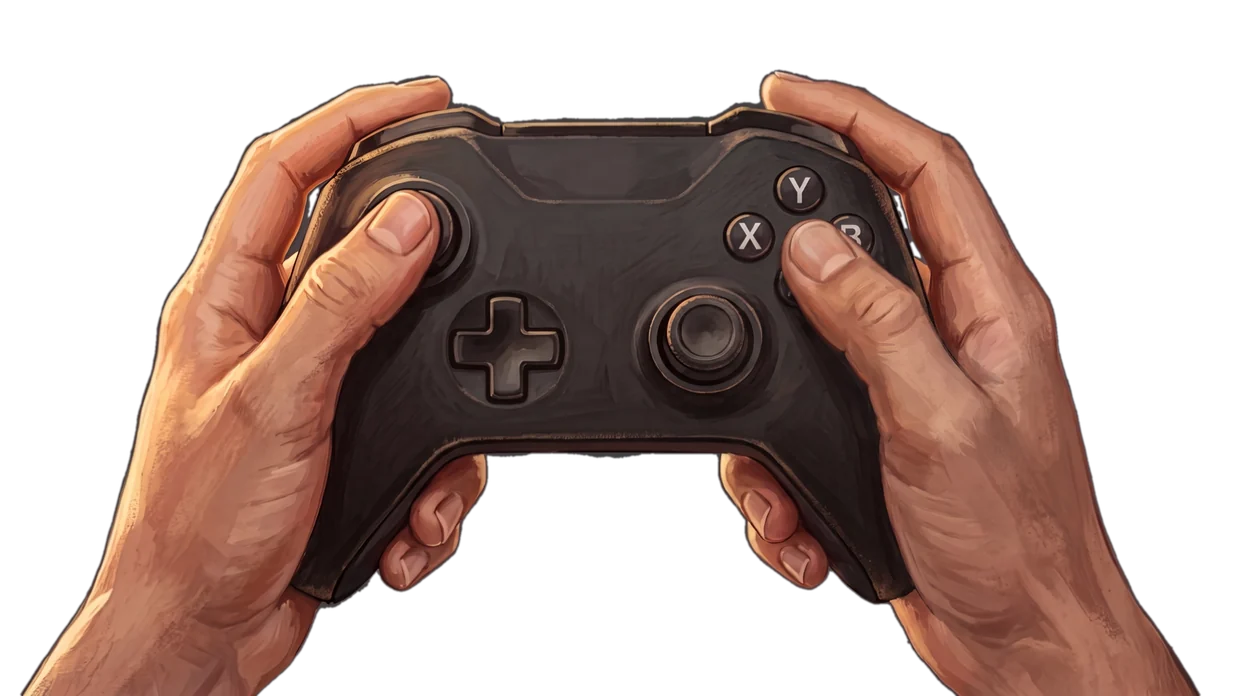
- Which controllers work?Almost any: Xbox, PlayStation, Switch, 8BitDo, the Steam Controller and most others.
- How do I use Steam Input or a Steam Controller on the PC?Add Battle.net to Steam as a non-Steam game (in Steam: Games → Add a Non-Steam Game to My Library), then always start Battle.net from Steam. WoW then gets your Steam Input layout.
- My handheld's back buttons don't work as push-to-talkOn a Windows handheld, set a back button to the key F13 in your handheld's own app, then record it in Settings → Push-to-talk.
- Why are short messages often wrong?One or two words are easy to mishear, for any speech app. Say the longer version, the way you'd say it out loud.
- My first word gets cut offKeep Pre-roll on (Settings → Push-to-talk). It catches the start of your first word.
- Why does Windows show the microphone is in use?That is Pre-roll: it keeps the last half second of sound in memory while WoW runs, so your first word isn't cut off. You can switch it off in Settings → Push-to-talk.
- How long can I talk?About 40 words, the most a WoW message holds. Cut-off guard stops listening just before that, and the last 3 seconds count down.
- How do I pick a microphone?PC: Settings → Push-to-talk → Microphone. System default follows Windows. On the Deck, Voxpression uses the same microphone as Steam: pick another in Steam's Settings → Audio → Input device.
Missing something? Email support@voxpression.com.