How do I change my push-to-talk button?
Talking and push-to-talk · Updated 24 Nov 2026
Settings → Push-to-talk, then Change… under Keyboard or Controller.
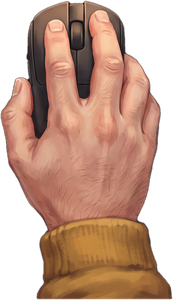
- Keyboard: one key, with Ctrl, Shift or Alt if you like, or a mouse side button.
- Controller: up to 5 buttons held together, triggers and back buttons too. Hold them a moment before you speak.
- Pick buttons the game doesn't use. Voxpression only listens, so the game still gets them.
- Steam Deck: the back buttons L4, R4, L5 and R5 work well, because the game doesn't use them.
- A press shorter than half a second is a tap: nothing is sent.
Related questions
Missing something? Email support@voxpression.com.